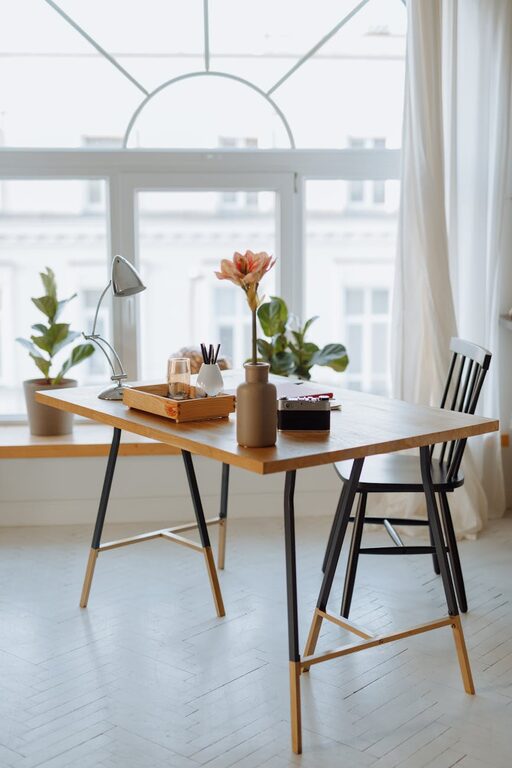
Creating a relaxing home workspace is essential, especially when many of us spend hours working from home. A well-designed workspace can improve focus, reduce stress, and make your workday much more enjoyable. Whether you have a dedicated room, a small corner, or a spot at the kitchen table, these tips will help you turn any area into a tranquil and productive environment.
Why a Relaxing Workspace Matters
Your workspace influences your mood and productivity significantly. When you feel comfortable and calm, you can concentrate better and complete tasks efficiently. On the other hand, a cluttered or uncomfortable space contributes to distractions and fatigue.
Choosing the Right Location
Consider Natural Light
Whenever possible, set up your workspace near a window. Natural light helps regulate sleep cycles, boosts mood, and reduces eye strain. If sunlight is too harsh, use light-filtering blinds or curtains to soften it.
Find a Quiet Spot
Select a space with minimal distractions. A room with a door is ideal for privacy, but if that’s not an option, consider noise-canceling headphones or white noise machines to drown out background sounds.
Ergonomics: Comfort Is Key
Invest in a Good Chair
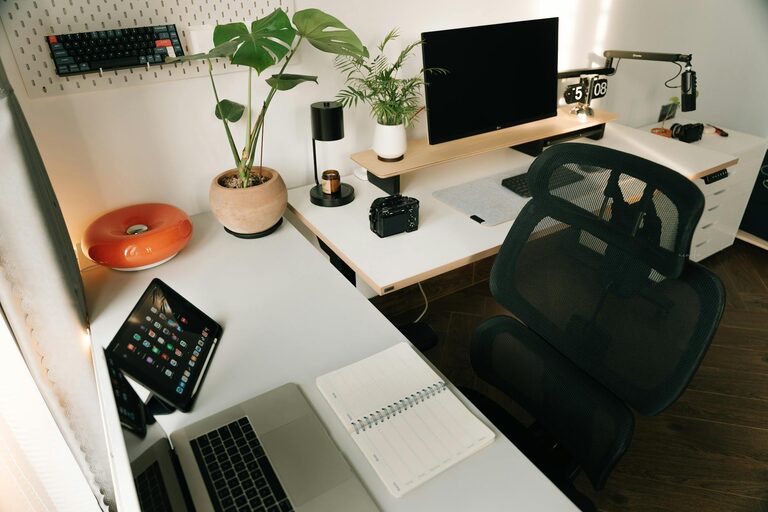
A supportive, adjustable chair helps prevent back and neck pain. Look for chairs with lumbar support and armrests, and adjust them to fit your body.
Position Your Desk and Monitor
Your desk should allow you to keep your forearms parallel to the floor and your feet flat on the ground. Place your monitor at eye level to avoid neck strain.
Keep Your Space Organized
Declutter Regularly
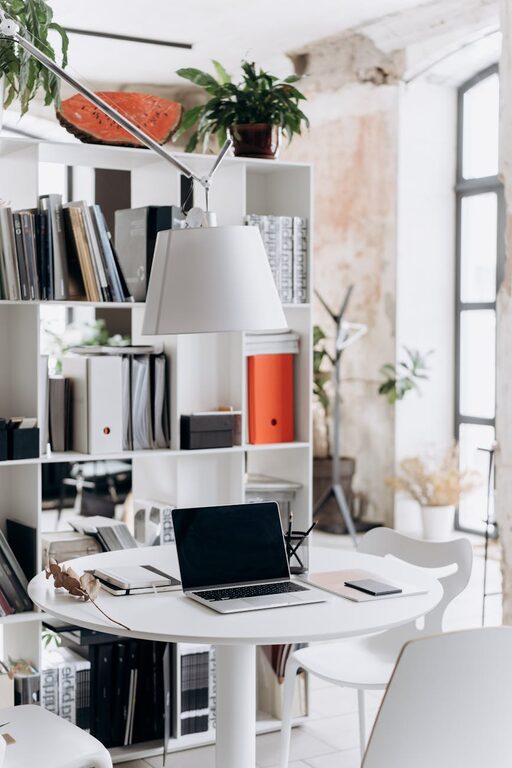
A tidy desk promotes a clear mind. Use storage solutions like shelves, baskets, or drawer organizers to keep supplies and paperwork in order.
Use Cable Management Tools
Messy cables can be distracting. Cable clips, sleeves, or boxes help keep wires neat and out of sight.
Personalize Your Workspace
Add elements that make you feel calm and motivated:
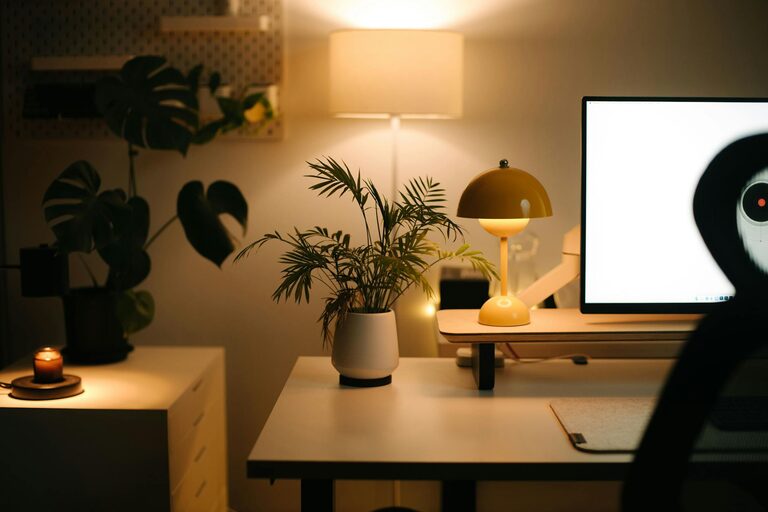
– Plants: Indoor greenery not only freshens the air but also has a calming effect.
– Art and Photos: Choose images that inspire or soothe you.
– Colors: Soft, neutral shades promote relaxation, while occasional pops of bright colors can energize you.
Incorporate Relaxing Scents and Sounds
Use Essential Oils or Candles
Scents like lavender, chamomile, or eucalyptus can reduce anxiety and help you focus. Always be mindful of ventilation and safety precautions.
Play Background Music
Gentle music, nature sounds, or white noise can improve concentration and mask distracting noises.
Take Breaks and Move
Even in a relaxing workspace, remember to take short breaks. Stretching, walking, or simple breathing exercises help reduce tension and refresh your mind.
Maintain Good Lighting for Work
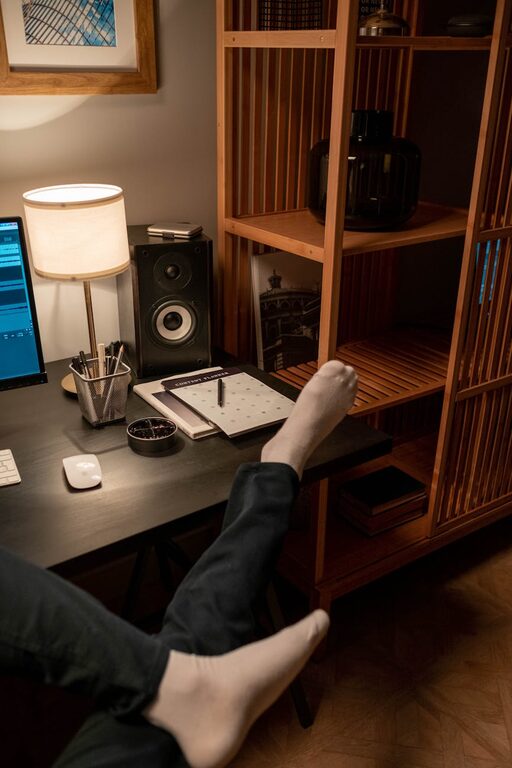
In addition to natural light, use adjustable task lighting. A desk lamp with warm, adjustable brightness can help reduce eye strain during early mornings or late evenings.
Technology Tips for a Relaxing Workspace
– Keep your desktop clean: Remove unused apps or icons.
– Use blue light filters: Many devices have settings or apps to reduce blue light exposure, which helps lessen eye fatigue.
– Set boundaries: Use do-not-disturb modes during focused work periods.
Final Thoughts
Creating a relaxing home workspace is about making thoughtful choices that support your comfort and productivity. With the right location, organization, ergonomics, and personal touches, your workspace can become a peaceful retreat where work feels less like a chore and more like a pleasure. Start small, adjust as you go, and enjoy the benefits of working in a space designed with your wellbeing in mind.
About the Author